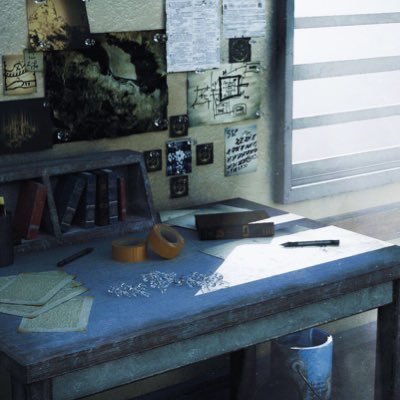
01 The trigger: Houdini 22's native Gaussian Splatting support
This workflow starts from Houdini 22, released in July 2026, which shipped native Gaussian Splatting (3DGS) support for the first time. Handling 3DGS no longer means relying on third-party plugins: splats can now be worked on with Houdini's ordinary nodes, just like any point cloud — animated with the standard deformers, or rendered directly in Karma. That shift, from "a background you can only look at" to a layer you can actually work on inside a 3D DCC, is what makes this hybrid workflow possible.
02 How the workflow flows
Based on the screen recording hectorVFX shared, the sequence comes down to four steps. The key idea: the background (Shibuya's 3DGS) and the subject (the car) are prepared through completely separate routes, and both are composited into a single Houdini scene while still being Gaussian Splats. Nothing is composited as a 2D image — the point clouds are merged in 3D space.
① Houdini 22: loading Shibuya's 3DGS natively
The Shibuya scramble crossing 3DGS data provided by Locahun 3D is loaded straight into Houdini 22. Running it through the dedicated Gaussian Splatting nodes turns the scan from "a point cloud you can only look at" into geometry with normals, ready to be combined with any other node.
② ComfyUI: generating the car as a 3DGS straight from an image
The white sports car isn't a photo composite — it's generated from scratch as a 3D Gaussian Splat inside ComfyUI. Rather than making a 2D image and converting it to 3D afterwards, the splat is written straight out of the diffusion model. Because it never becomes a mesh, it drops directly into the Houdini scene from step ①.
③ Compositing in Houdini: two 3DGS assets become one scene
The car splat from step ② is loaded into Houdini and combined with the Shibuya scene from step ①. Matching its position, rotation and scale seats the car on the crossing, so that a real-world scan and an AI-generated asset end up as a single 3D scene.
④ Camera, lighting and the final render
A camera is set up in the composited scene with motion blur and depth of field, and the shot is rendered. A finishing grade — night-time neon reflections and wet asphalt — produces the final cut shown at the top of this article.
03 Watch the process: a screen recording
hectorVFX also sent over a short screen recording capturing this whole sequence. Watching the Houdini scene graph and viewport switch back and forth with ComfyUI's node graph tells the story faster than any write-up.
04 Before / after: from concept to final shot
The two images shared with us give a glimpse of that process.
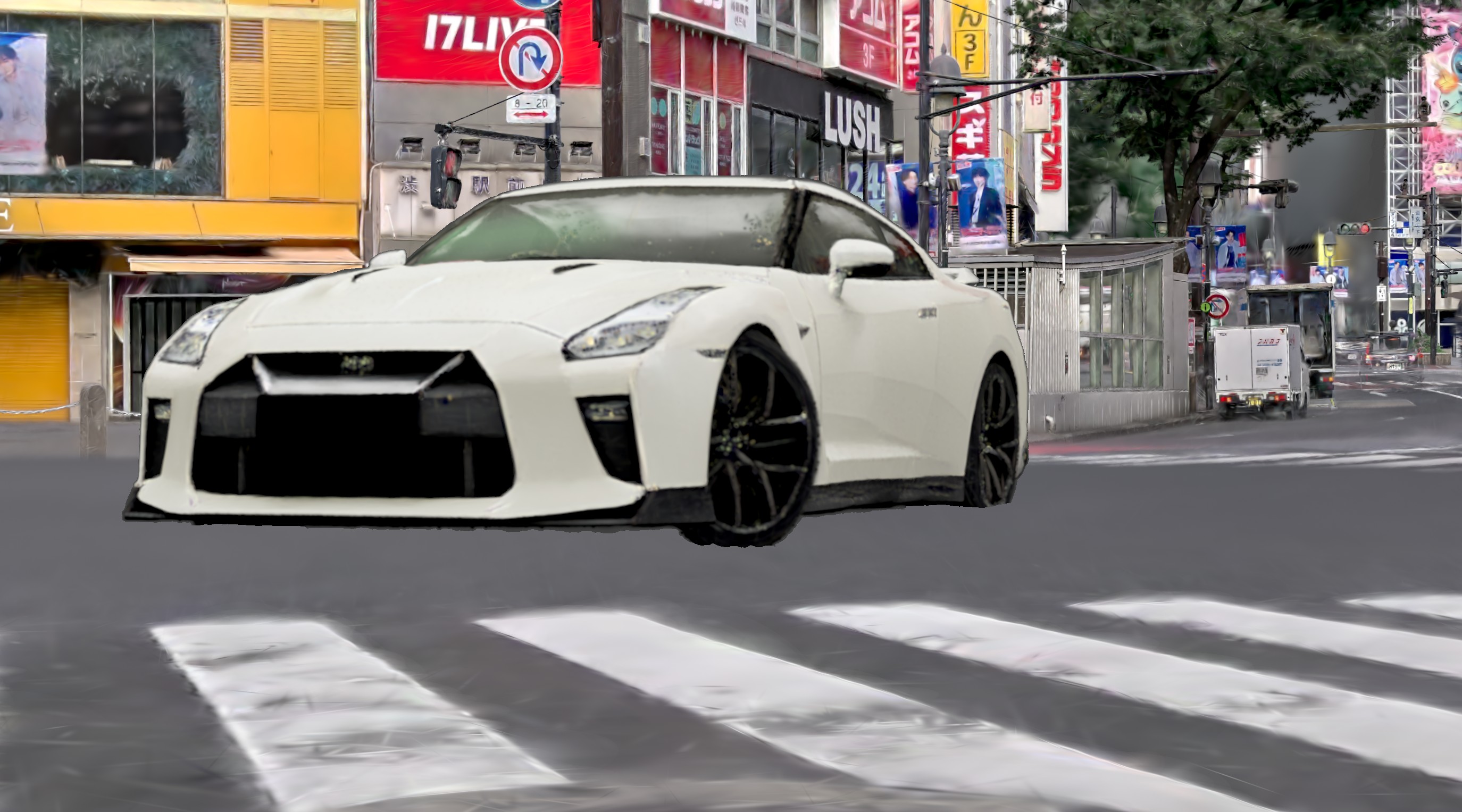
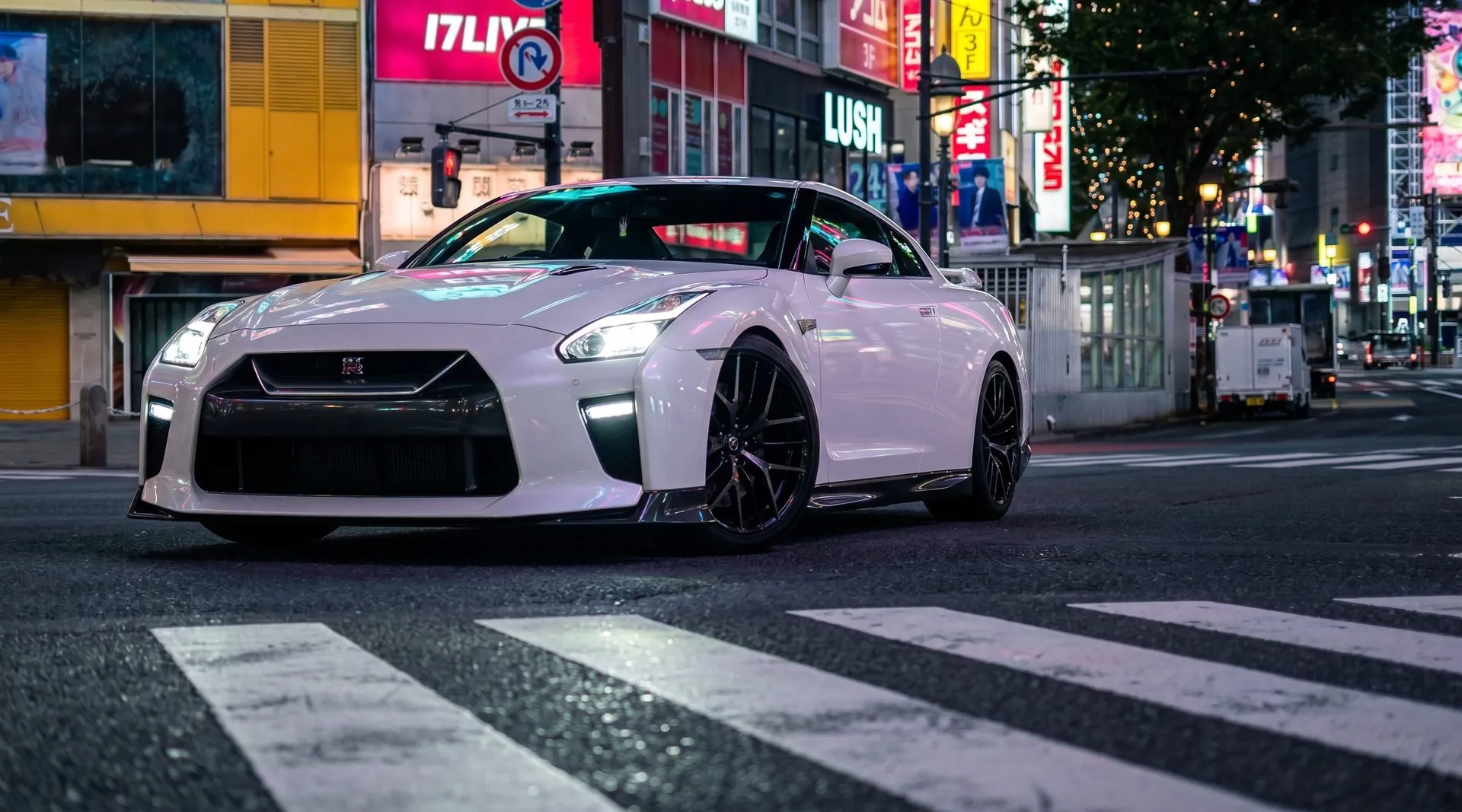
The original post also includes a video walking through this process. Worth a watch.
@hectorVFXView the original post (with video) Open on X →05 About the data used
The Gaussian Splats of the Shibuya scramble crossing that anchor this workflow were provided by Kou Nakamura, founder of Locahun 3D. Data actually scanned on foot with PortalCam ended up, across an ocean, in another creator's hands for a new piece of work — a genuinely nice outcome to see.
The Shibuya scramble crossing 3DGS data used in this article is available to purchase and browse
on Locahun 3D's online platform
Provided as PLY / OBJ (with a 3DGS walkthrough). Standard license from ¥200,000 (commercial and non-commercial use permitted). If you'd like to try this same VFX × AI hybrid workflow yourself, take a look.
View the property data →06 Summary
With Houdini 22, the environment is maturing to treat Gaussian Splats as more than “something to just look at” — as a layer you can properly control inside a 3D scene. Locahun 3D's scan data can serve as the foundation for hybrid VFX × AI workflows like this one. If you're experimenting or producing something similar, feel free to reach out.